Who can use it: care-home managers and administrators.
Where to find it
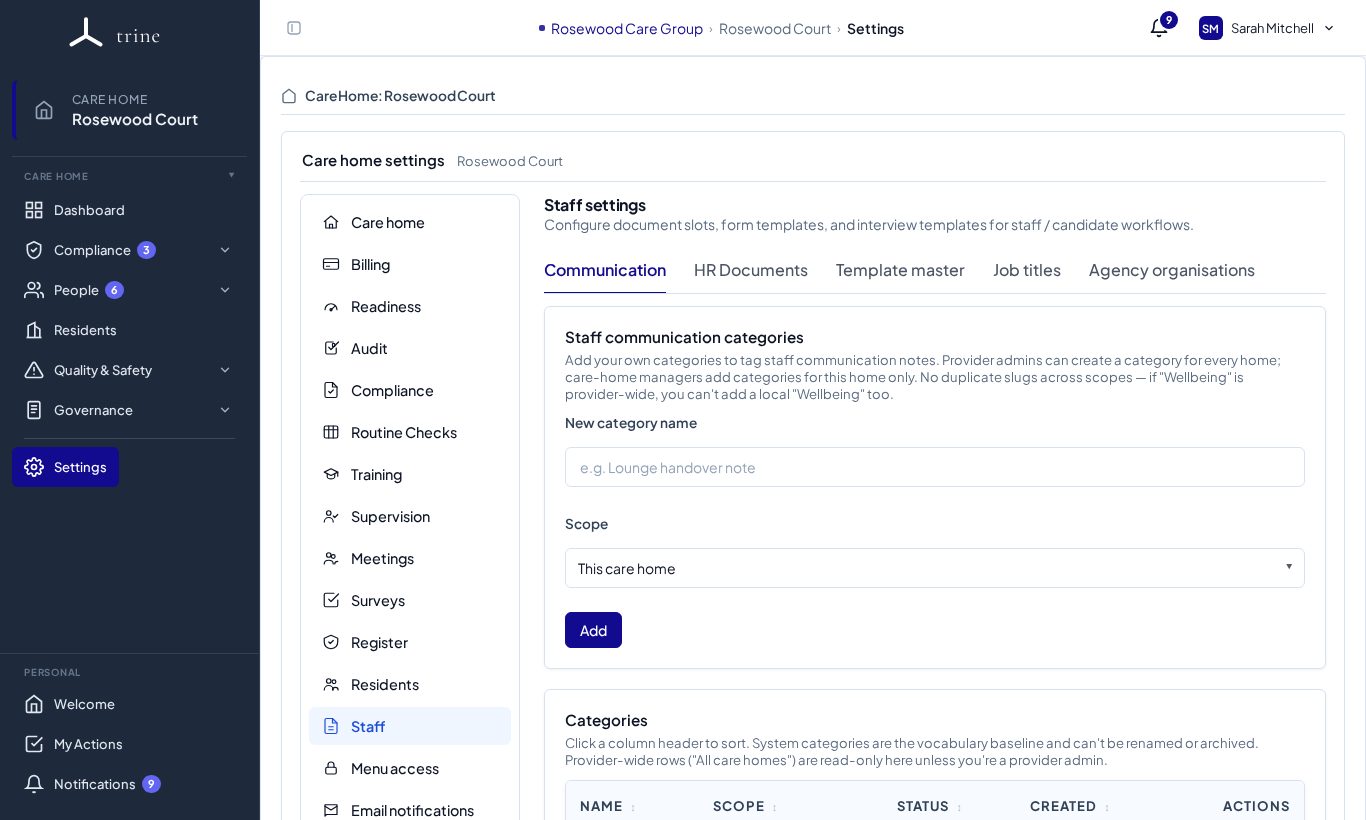
Open Settings → Staff. It has five tabs: Communication, HR Documents, Template master, Job titles and Agency organisations.
How to
- Communication — add categories for staff communication notes (for example Wellbeing), for this home or provider-wide.
- HR Documents — choose which documents each role needs, whether staff can see each one, and the expiry warning window.
- Template master — the online forms staff and candidates complete (for example the HMRC starter checklist, emergency contact and induction checklist). Review library updates here.
- Job titles — the home's job titles, which drive default training and document allocation.
- Agency organisations — the staffing agencies you use and their documents.
- For one person's access, open their record and choose Access.
What to expect
A person's role, job title and access together decide which pages and actions they see.
Related: Menu access and delegated permissions · Staff communication · Agency workers