Who can use it: care-home managers and administrators.
Where to find it
- Agencies: Settings → Staff → Agency organisations.
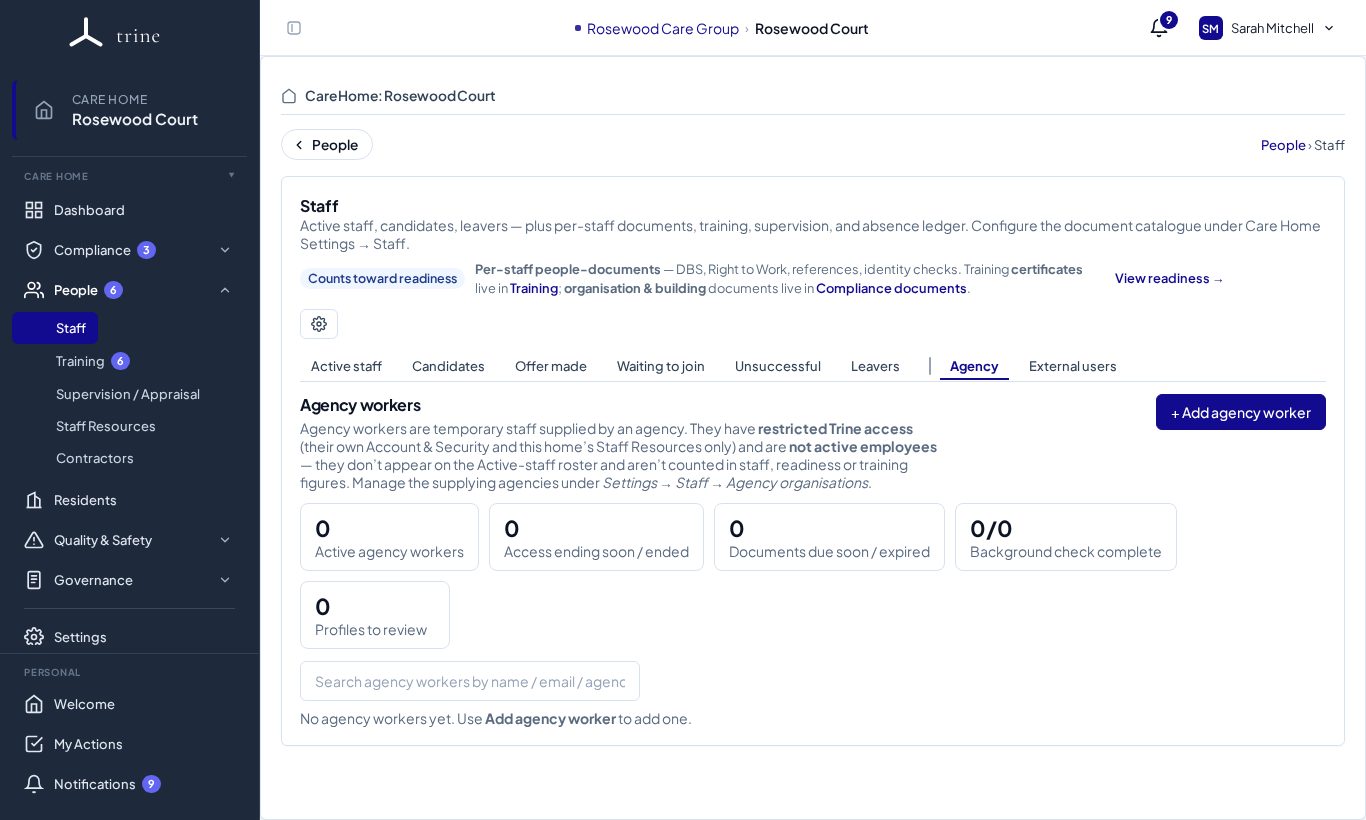
- Workers: People → Staff → Agency.
How to
- In Settings, add a staffing agency and upload its company documents (insurance, contract, compliance certificate).
- On Staff → Agency, press + Add agency worker, choose an active agency and enter the person's details.
- Open the worker's profile to see their access, their agency-supplied documents (with expiry dates), a background-check status with a review date, and an optional access-end date.
The page
Cards show Active agency workers, Access ending soon / ended, Documents due soon / expired, Background check complete and Profiles to review.
Good to know
- Agency workers have a restricted login (Account, Security and Staff Resources only) and don't appear on the active-staff roster or count toward staff, readiness or training figures.
- An access-end date controls that person's access at this care home only; on that date their access here stops.
Related: External users (inspectors) · Contractors