Who can use it: care-home managers and administrators.
Where to find it
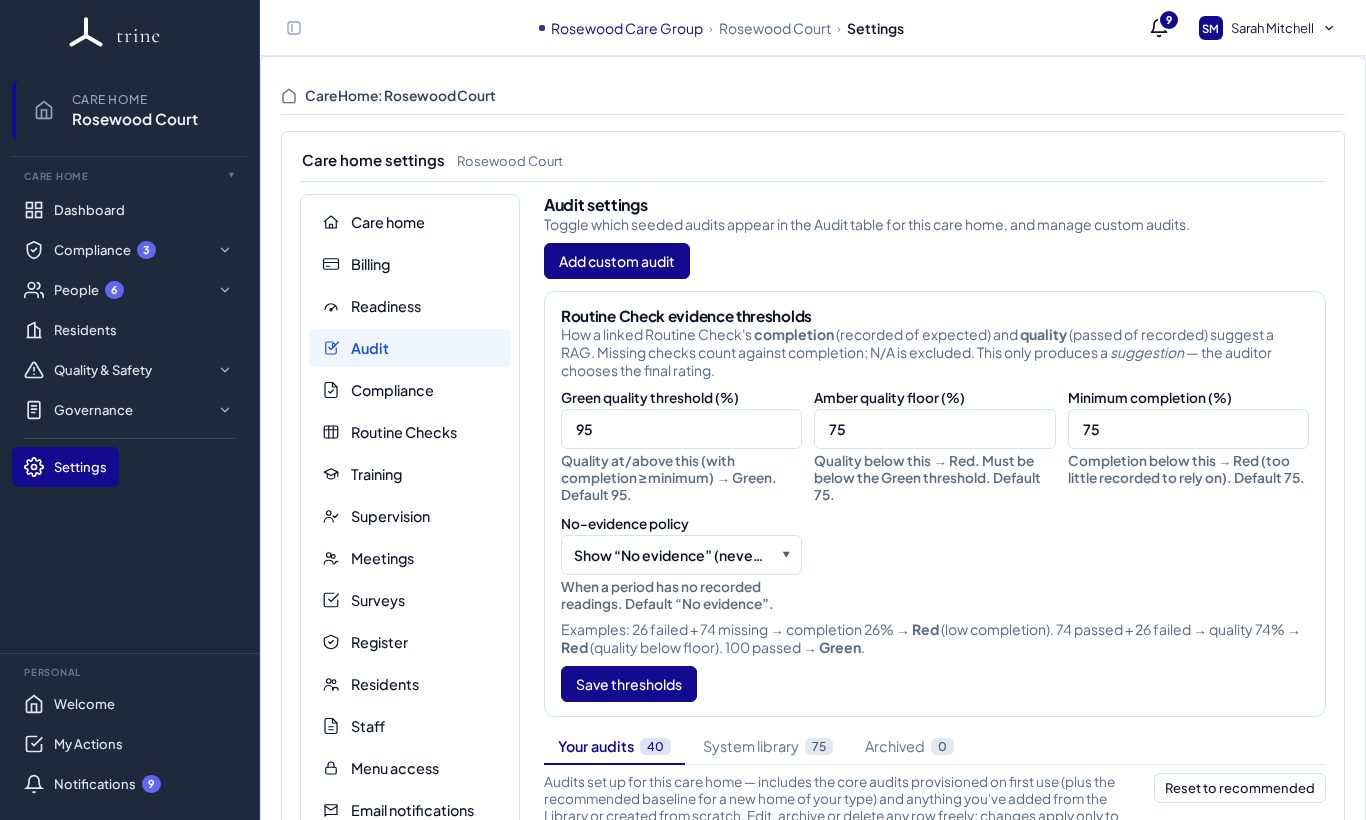
Open Settings → Audit, or the gear on the Audit page.
How to
- Your audits lists the audits your home runs. Edit a copy, Add custom audit, or archive ones you don't use (Archived keeps them for history).
- System library holds every CQC-aligned audit. Copy the ones your home needs. Reset to recommended restores the recommended set for your type of home.
- Allocate access — decide which roles or individuals can run each audit, by category or for one audit.
- Set the routine-check evidence thresholds used when an audit sub-question is backed by a routine check: Green quality threshold %, Amber quality floor % and Minimum completion %, then Save thresholds.
- Choose the no-evidence policy — what to show when a linked routine check has no records for the period.
What to expect
New homes start with a recommended baseline. When a library audit is improved, your copy shows Update available — review and apply it, or keep your version. Thresholds drive the evidence suggestion only; the auditor always chooses the final rating.
Related: Audits · Routine checks