Who can use it: care-home managers and administrators.
Where to find it
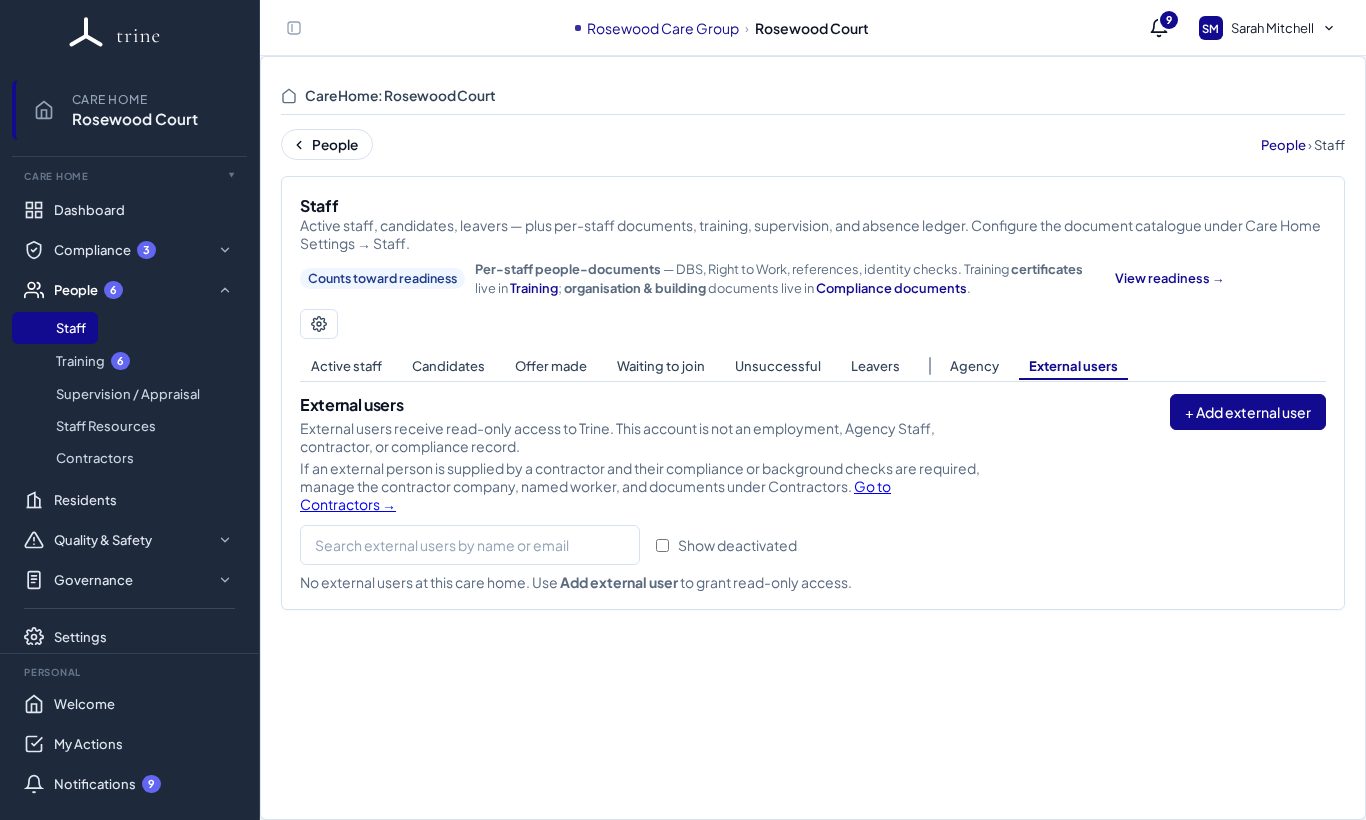
Open People → Staff → External users.
How to
- Choose + Add external user, enter their name, email and organisation, and optionally email them an invitation.
- Open their profile to see the read-only menus they can view, and optionally allow them to view staff HR documents.
- Set an access-end date, or deactivate them when their visit is over. Tick Show deactivated to see past external users.
Good to know
- External users are access-only accounts — not employees, agency workers or contractors. They can't see HR, training, recruitment, employment or finance data beyond what you allow, and they never see the Organisation log.
- If the person is from a contractor and their checks are required, record the contractor and its workers under Contractors instead.
Related: Agency workers and organisations · Contractors