Who can use it: care-home managers and administrators.
Where to find it
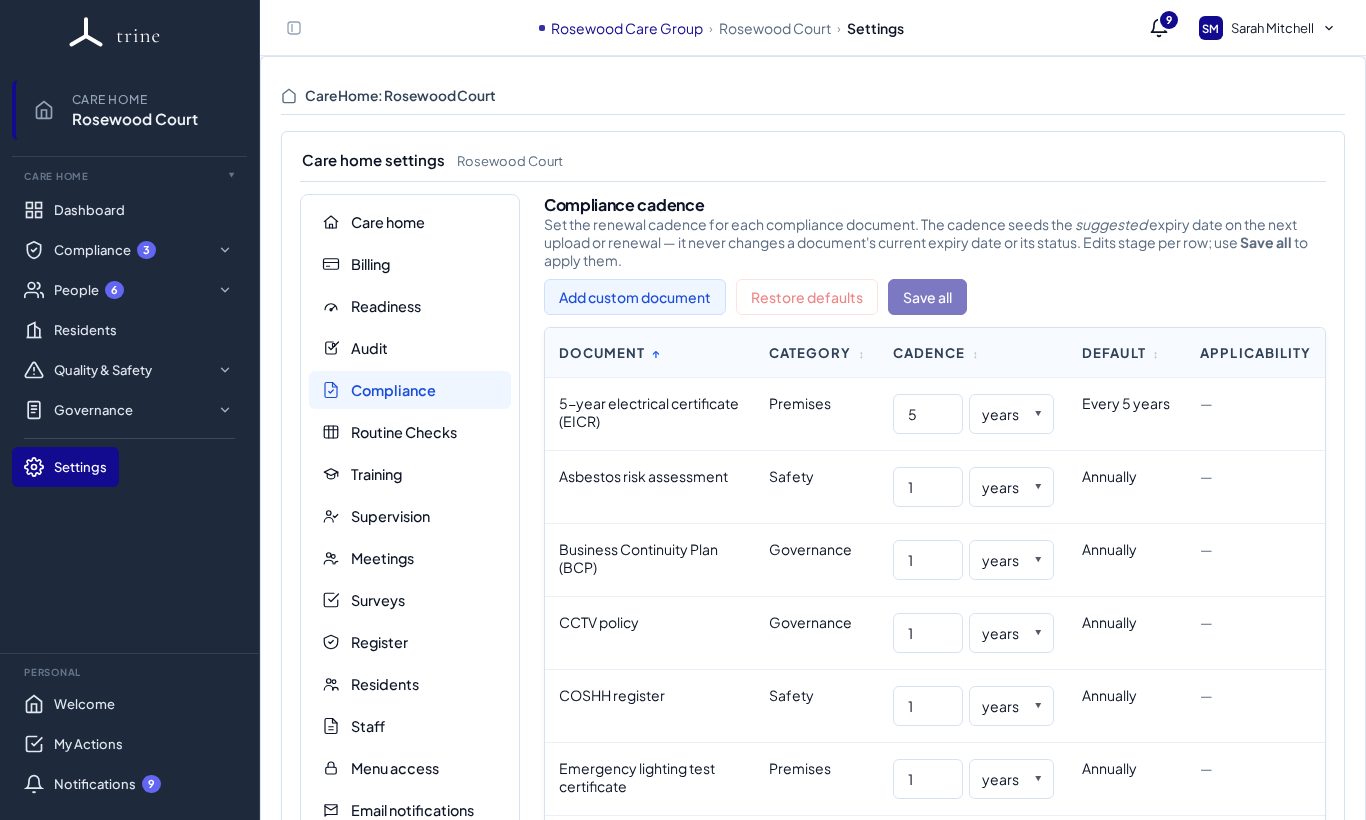
Open Settings → Compliance.
How to
- Review each compliance document — its category, the home's cadence (for example every 5 years, or 1 year) and the default cadence.
- Change a cadence where your home renews more or less often; the next-due dates update from the next upload.
- Add custom document for a document type your home needs that isn't listed.
- Restore defaults puts the standard cadences back; Save all saves your changes.
What to expect
The compliance list drives the Compliance page, expiry reminders and Evidence health. Documents already on file are never deleted by changing settings here. Some documents apply only when relevant (for example CCTV, set in Settings → Readiness → Compliance capabilities).
Related: Compliance documents · Readiness settings