Who can use it: care-home managers and administrators.
Where to find it
Open Settings → Register, or Manage categories on Incidents & Risk or Complaints & Compliments.
How to
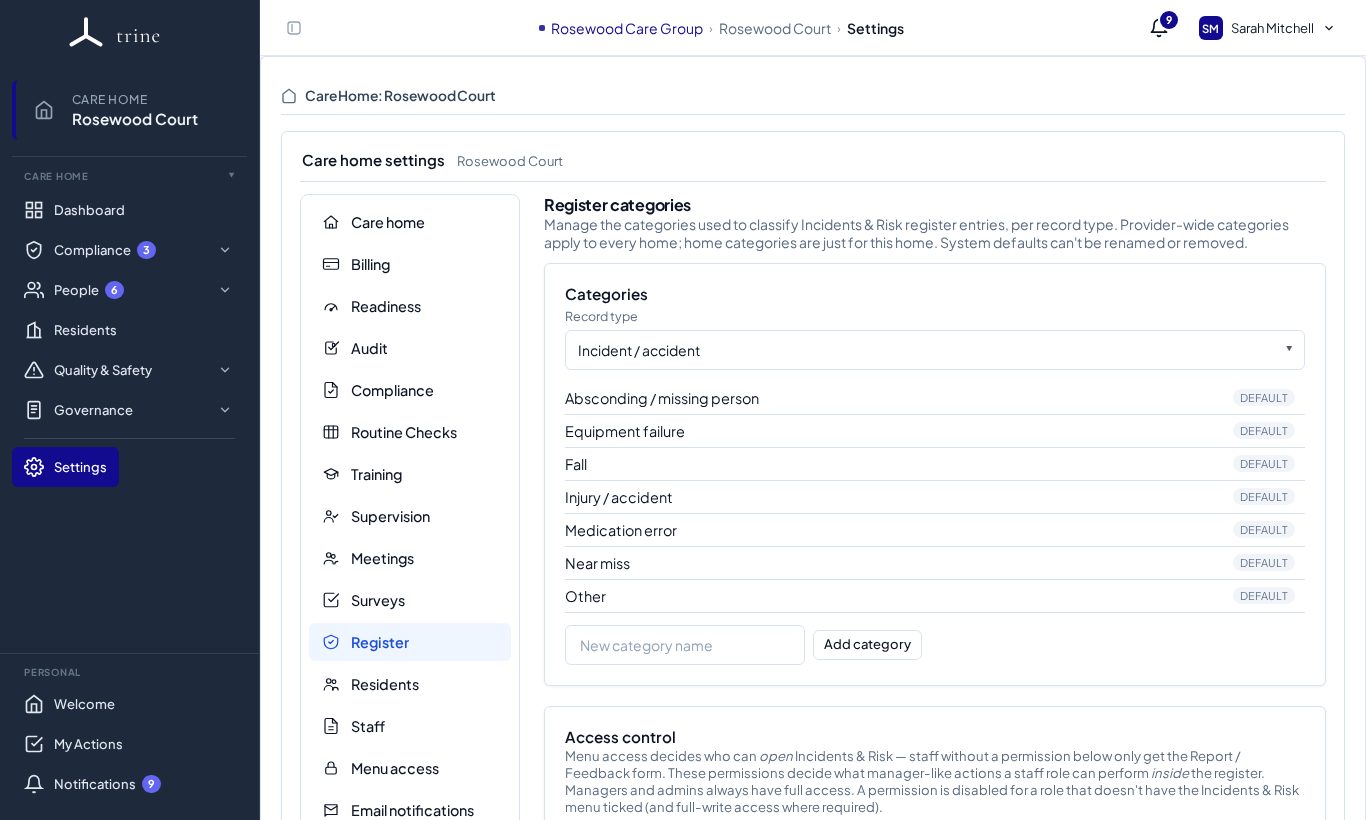
- Choose the record type (for example incident / accident, risk, safeguarding, complaint, compliment).
- Review its categories — built-in ones are marked Default. Type a new category name and press Add category, or rename, archive or restore categories.
- Choose whether a category is provider-wide or specific to this home.
- Under Access control, decide which roles can open the full register; everyone else uses the Report / Feedback form.
What to expect
Archived categories keep any existing entries that used them (still readable) but are no longer selectable for new entries.
Related: Incidents and risk · Complaints and compliments