Who can use it: any active member of the care home, including read-only staff. Visitors can use the home's public QR form.
Where to find it
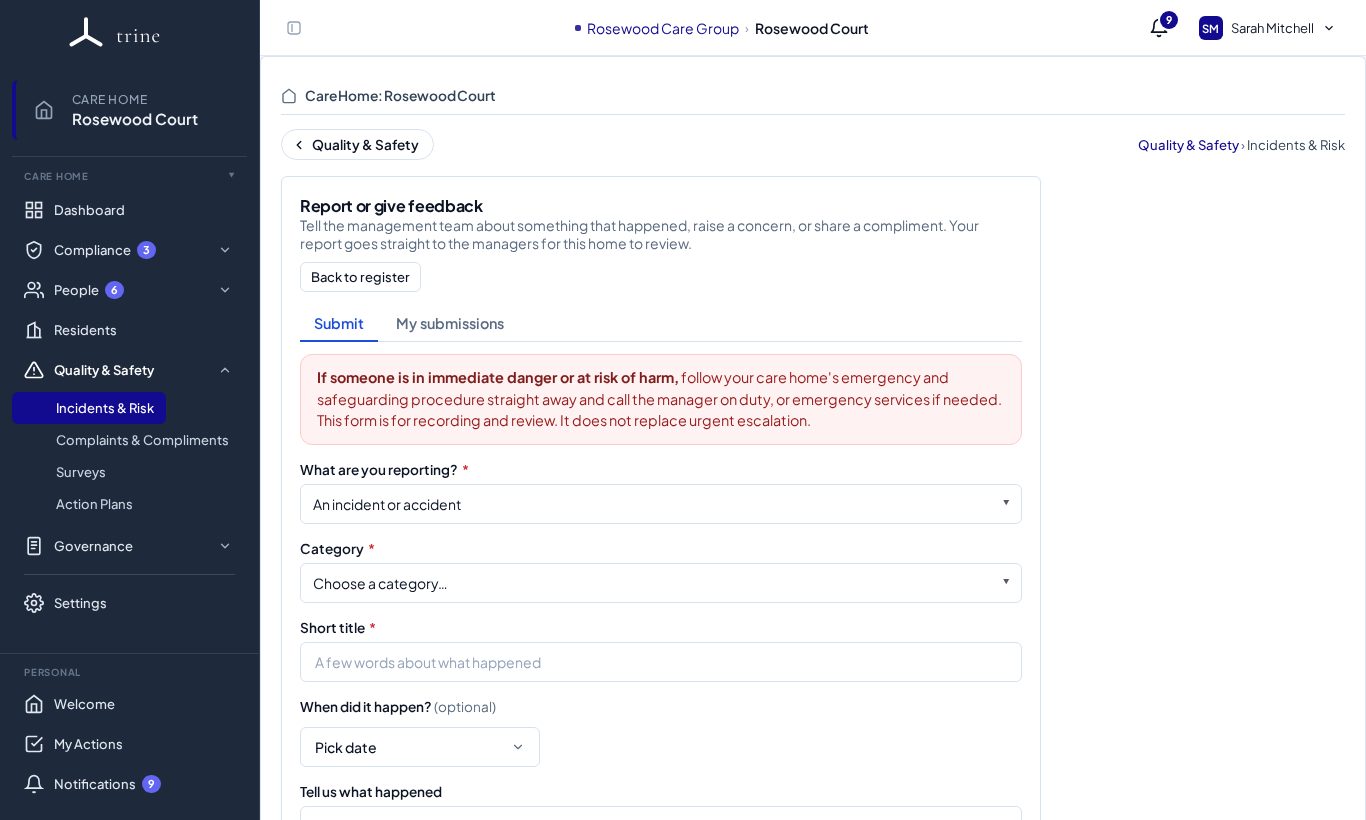
- Quality & Safety → Incidents & Risk — if you don't manage the register, you'll see the Report / Feedback form.
- Managers can open the same form with Submit report / feedback.
- The Report QR code (printed by a manager) opens a no-login version of the form for visitors and staff on their phones.
- Report an incident on the Welcome workspace opens it too.
How to
- Choose what you're submitting — a report or concern, or a compliment.
- Fill in the details and attach up to three files if helpful.
- Submit. Your managers review it in the register's Intake tab and either take it into the formal register, ask for more information, or record why no further action is needed.
Good to know
- You submit through this form only — you won't see the formal register itself.
- The form carries a safeguarding-escalation notice: if someone is at immediate risk, follow your local safeguarding process straight away.
- Rotating the QR code (managers) stops the old printout working.
Related: Incidents and risk