Who can use it: care-home managers and administrators.
Where to find it
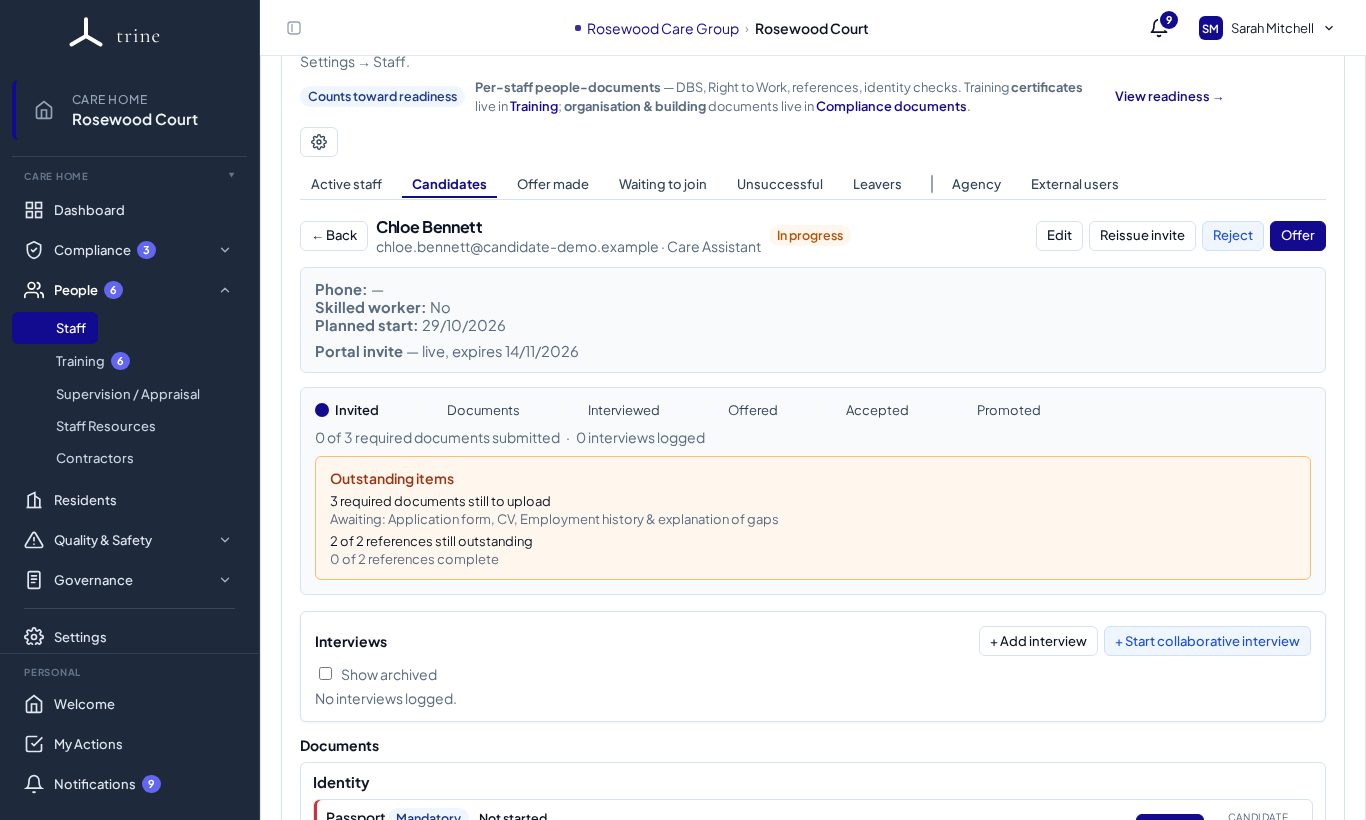
Open a candidate or staff member's record and go to the references in Documents.
How to
- Candidates add their referees' contact details in their portal. You can also add a referee yourself.
- Request reference emails the referee a secure, login-free form; or Upload a reference you've received another way.
- Track each request until it comes back. If the email can't be delivered, the request shows a failure badge so you can correct the address and resend.
- Two references satisfy the reference requirement.
What the candidate sees
References are confidential to your home. Candidates can add and edit a referee until you send the request. After that they only see that it's with your care home — never whether the reference came back, or what it says. The references rows are marked Status only for the candidate.
If you cancel or change a candidate's referee, it's removed from their portal and they're asked to add another. They aren't told why.
Good to know
- Completed references are stored on the person's record and download to authenticated managers only.
- The menu badge on People counts references waiting for your attention.
Related: Recruitment and onboarding