Where to find it
- Compliance → Readiness → Download inspection pack for the full pack.
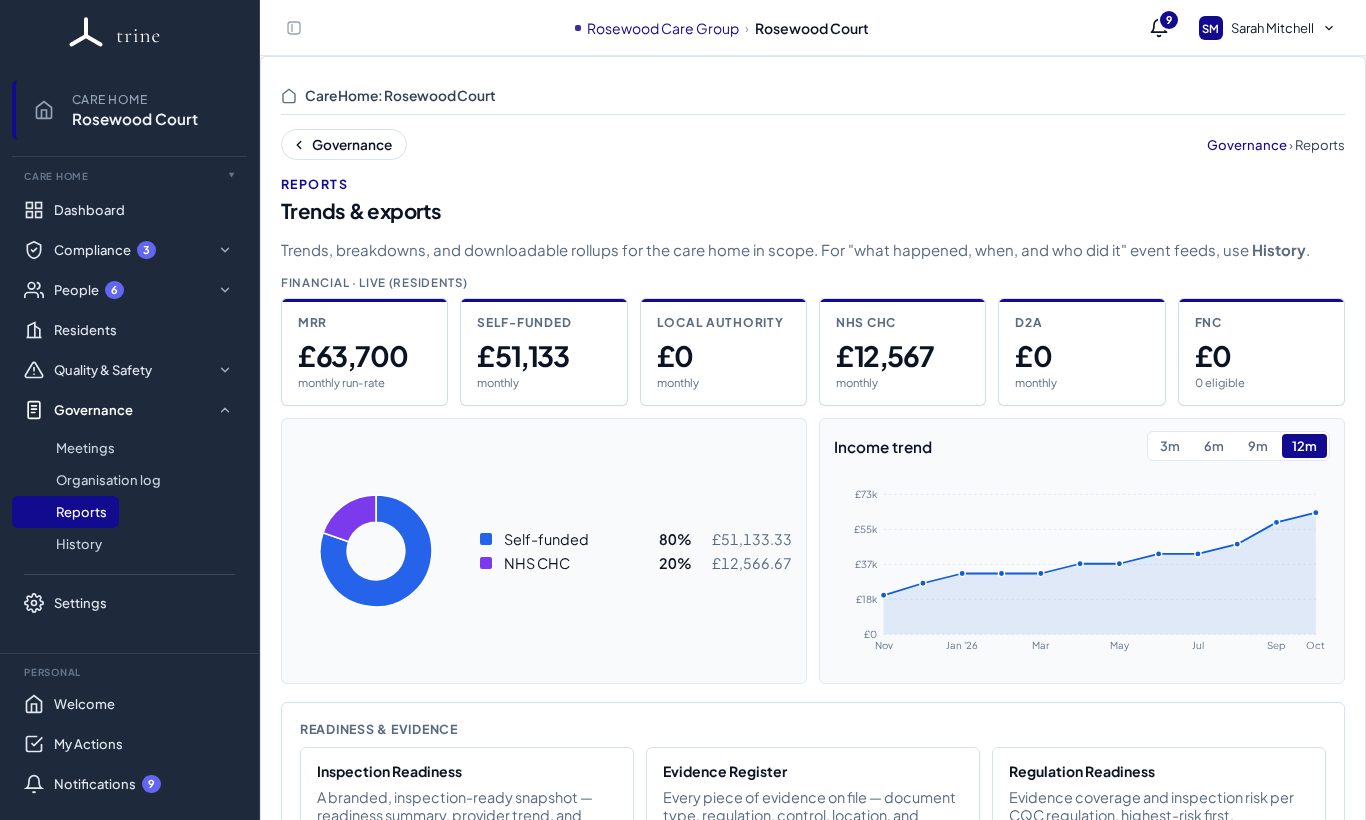
- Governance → Reports for every other report.
How to
- Pick a report from the catalogue on Governance → Reports (for example Inspection Readiness, Evidence Register or Regulation Readiness).
- Set the filters it supports.
- Preview, then export as CSV or PDF, depending on the report.
- The Inspection pack is a full branded PDF covering readiness, regulations, evidence and actions.
Good to know
- PDFs are produced as proper documents: the text can be selected and searched, each page has a footer with the home's name, when it was generated, "Confidential" and Page X of Y. See PDF exports.
- Reports are point-in-time outputs; for an event-by-event trail use Governance → History.
Related: Reports and exports · Readiness · PDF exports