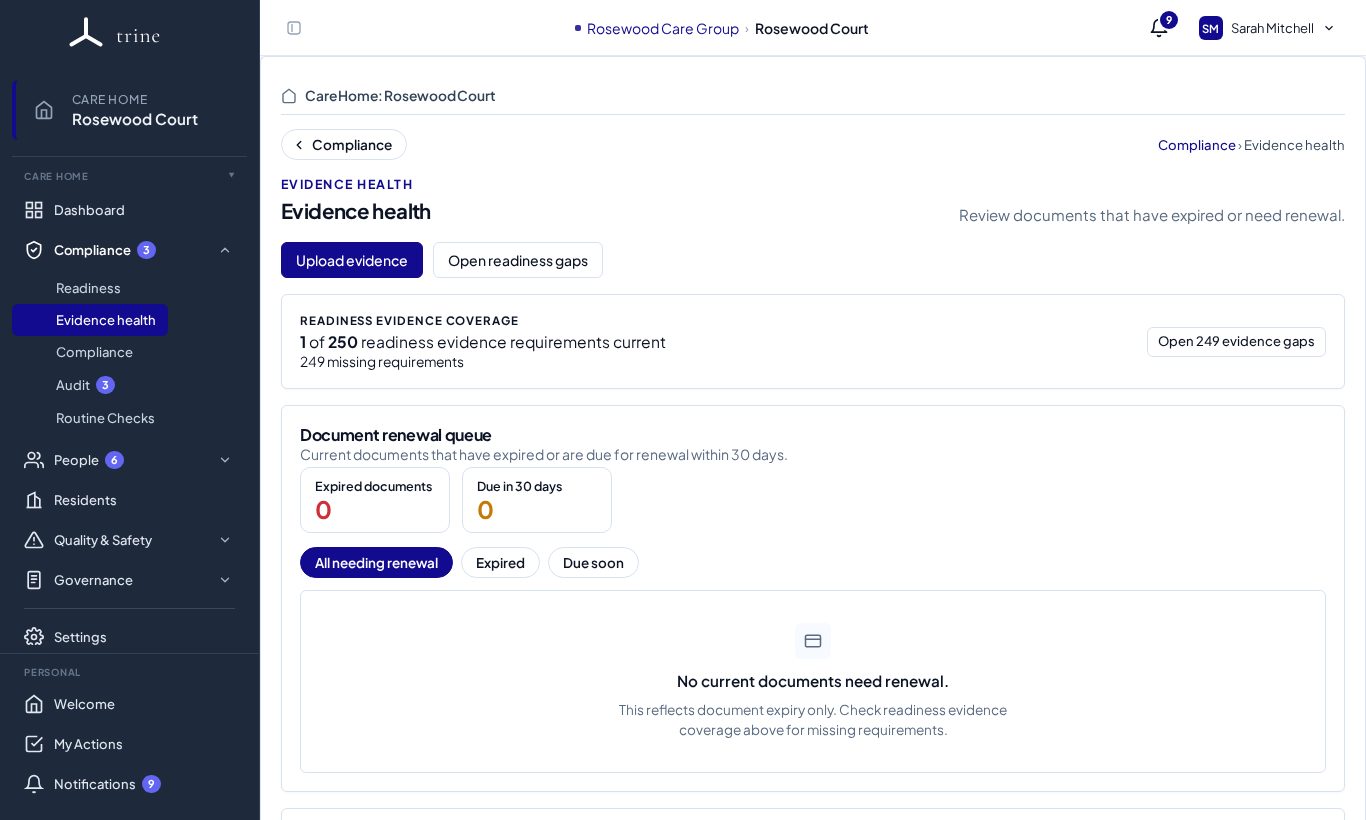
Evidence is the proof behind your readiness: certificates, policies, records and reports, each with a date and an expiry.
Where to find it
- Compliance → Evidence health — the renewal queue and the evidence-coverage summary.
- Compliance → Readiness → Evidence gaps — requirement by requirement.
- An action's Add evidence link in the register.
How to
- Upload evidence against an action or requirement. When a current version exists, the upload switches to Replace automatically, and the older version is kept in history.
- Set the document date and the expiry date, so Trine can warn you before it lapses.
- Use Upload evidence on Evidence health to add a file that isn't tied to one action yet.
- Use the Evidence register (from Reports) to see everything on file, sortable and searchable.
Statuses
- Current — in date.
- Due soon — expires within the warning window (30 days by default).
- Expired — past its expiry date; it stays on file, readable, but no longer counts as current.
- Missing — the requirement has nothing on file.
Tip: "Review missing evidence" keeps you on the Evidence page and points you to items that need attention; full readiness gaps are one click away with Open readiness gaps.
Good to know
- Evidence is never deleted automatically — expired evidence is simply marked expired.
- Staff training certificates live in Training, staff documents in Staff, and building and safety documents in Compliance. All of them can count as evidence.
Related: Evidence Health and gaps · Compliance documents · Actions and My Actions