Who can use it: care-home managers and administrators only.
Where to find it
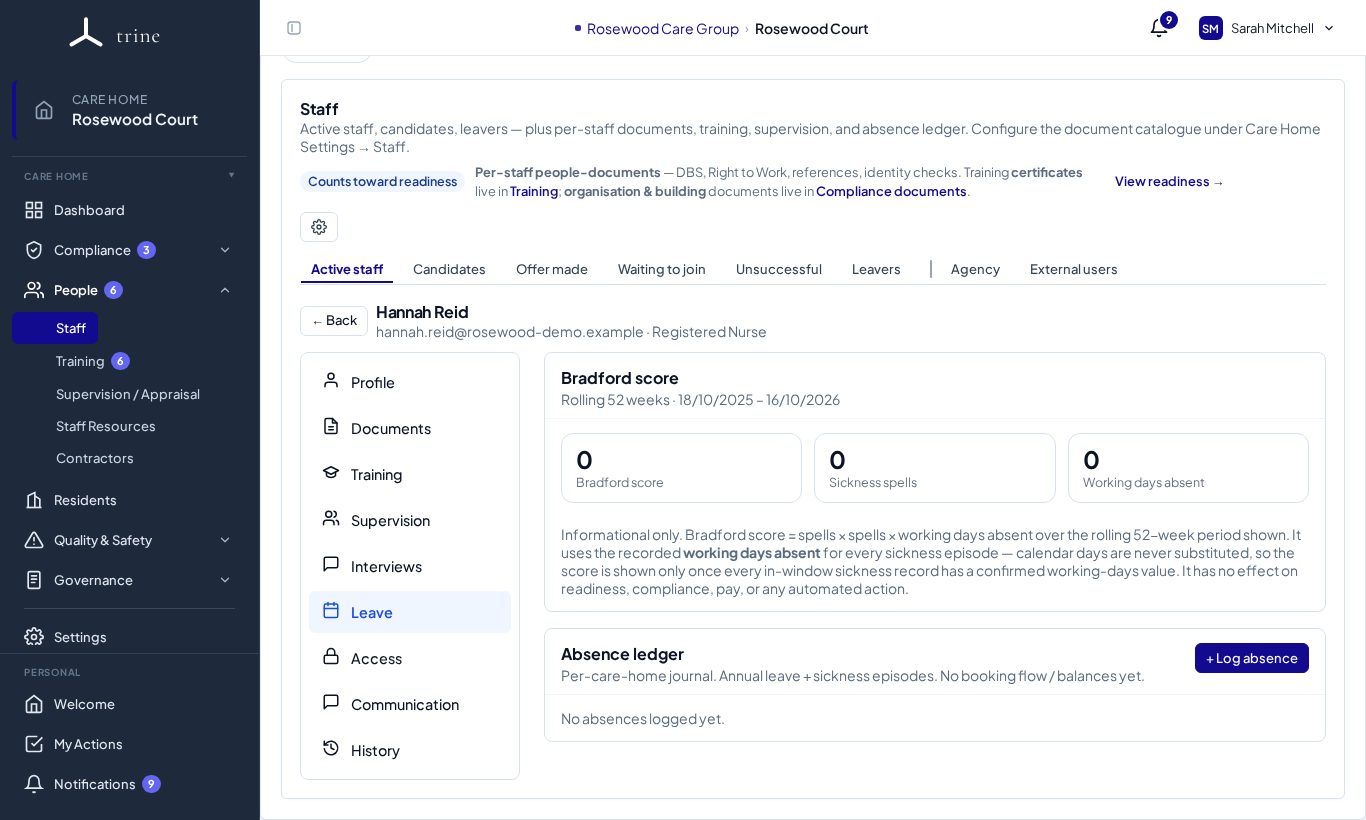
Open a staff member's Leave section (People → Staff, then click their name), or the manager-only Absence report in Governance → Reports.
How to
- Record each closed sickness absence on the person's Leave section, including the required working days absent value (Trine holds no rota).
- View the Bradford score on the staff member's Leave section, or across the home in the Absence report, with filters by name, date, type and status.
How it's worked out
The score is S² × D over a rolling 52 weeks, where S is the number of separate absences and D the total working days absent.
Good to know
- The score uses recorded working days only — there is no calendar-day fallback. If any record in the window is missing a value, you'll see a clear "Score incomplete" state instead of a number.
- It is informational only — it has no readiness, compliance, payroll or disciplinary effect, and the staff member doesn't see it.
Related: Reports and exports · Staff, Training and HR documents