Trine's care-home menu groups related pages under five headings, so you can find things by what you're trying to do.
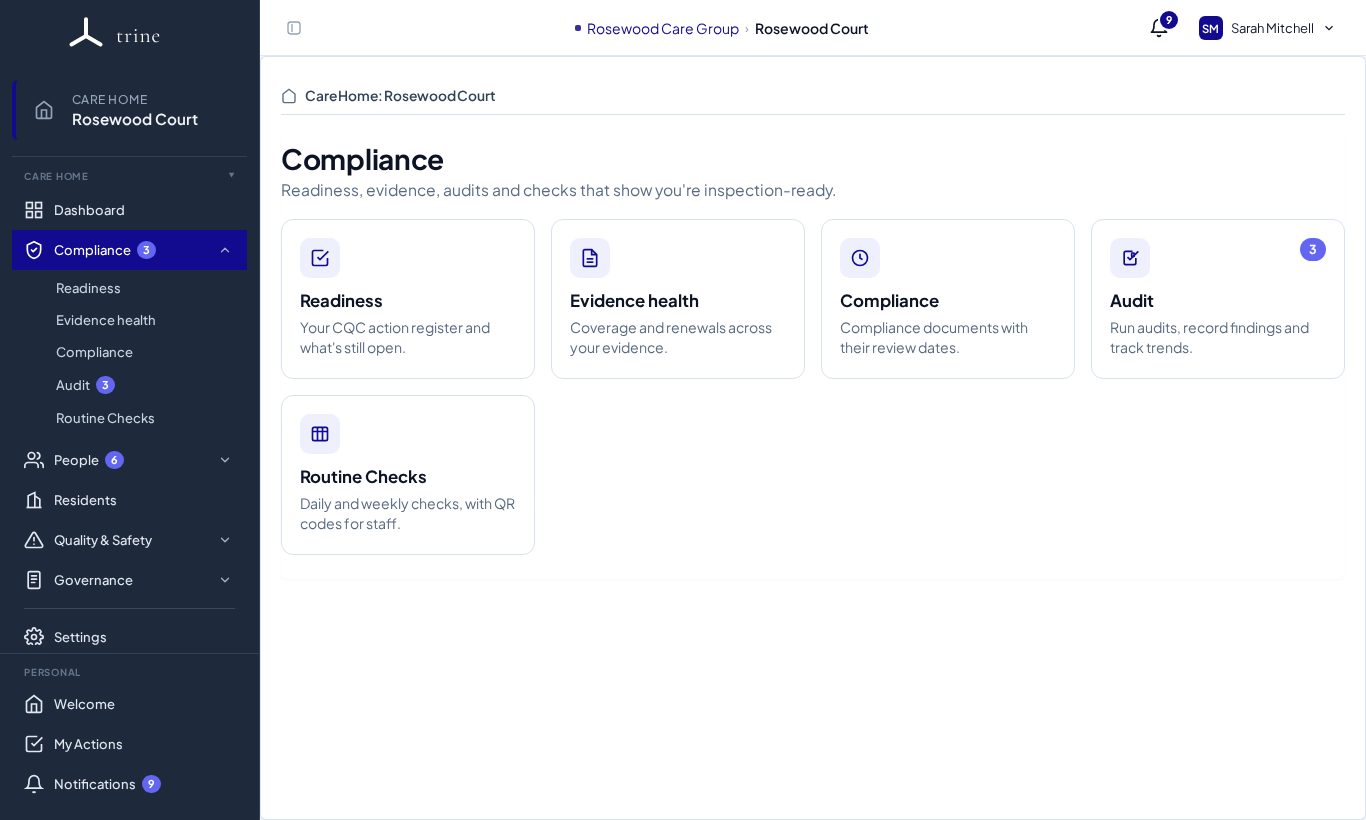
The groups
| Group | Pages |
|---|---|
| Compliance | Readiness · Evidence health · Compliance · Audit · Routine Checks |
| People | Staff · My Documents · Training · Supervision / Appraisal · Staff Resources · Contractors |
| Quality & Safety | Incidents & Risk · Complaints & Compliments · Surveys · Action Plans |
| Governance | Meetings · Organisation log · Reports · History |
Dashboard and Residents are direct links. Settings sits below a divider. Your personal pages — Welcome, My Actions and Notifications — are pinned at the bottom of the menu.
Opening a group
- Click a group name, for example People.
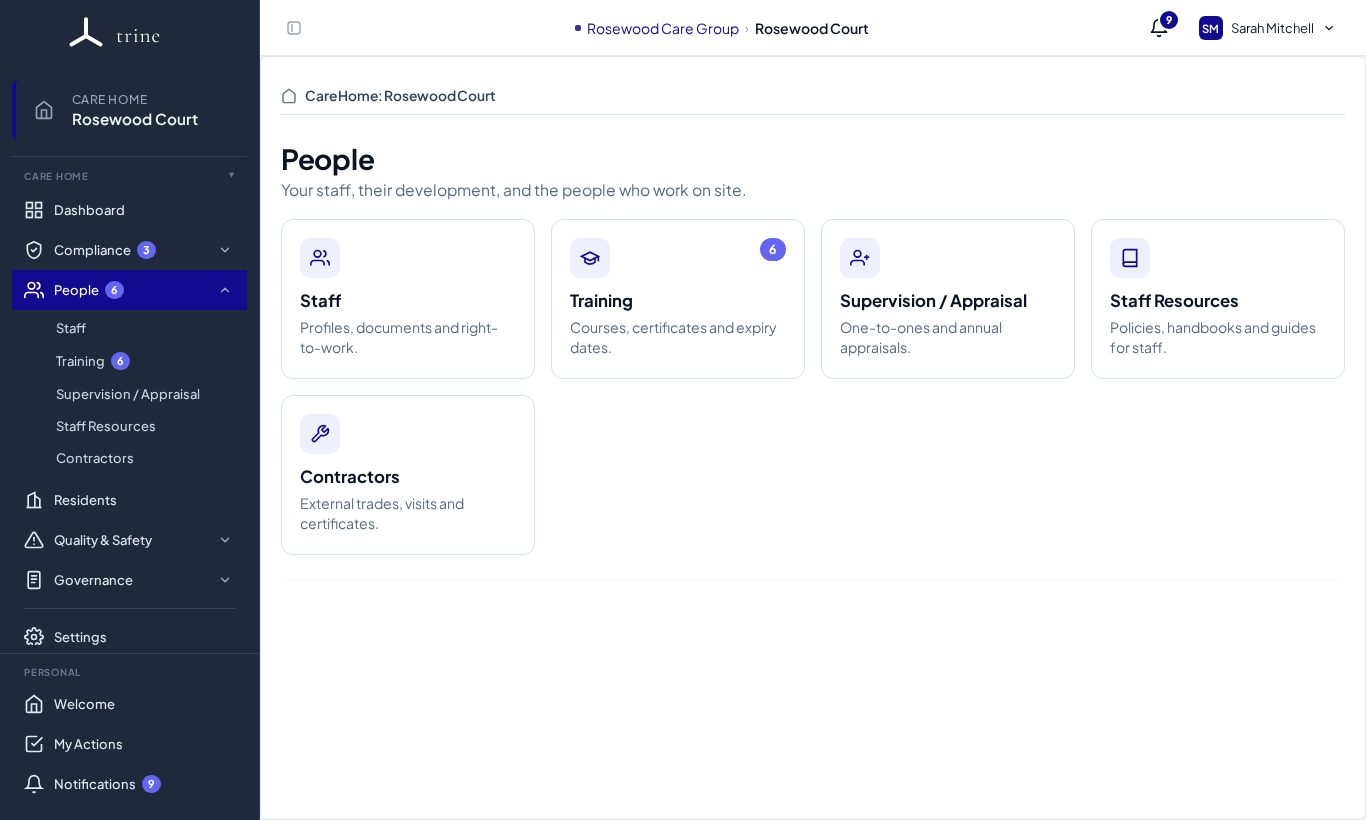
- The group expands in the menu like an accordion, with its pages indented underneath. Opening one group closes the others — there are no hover menus.
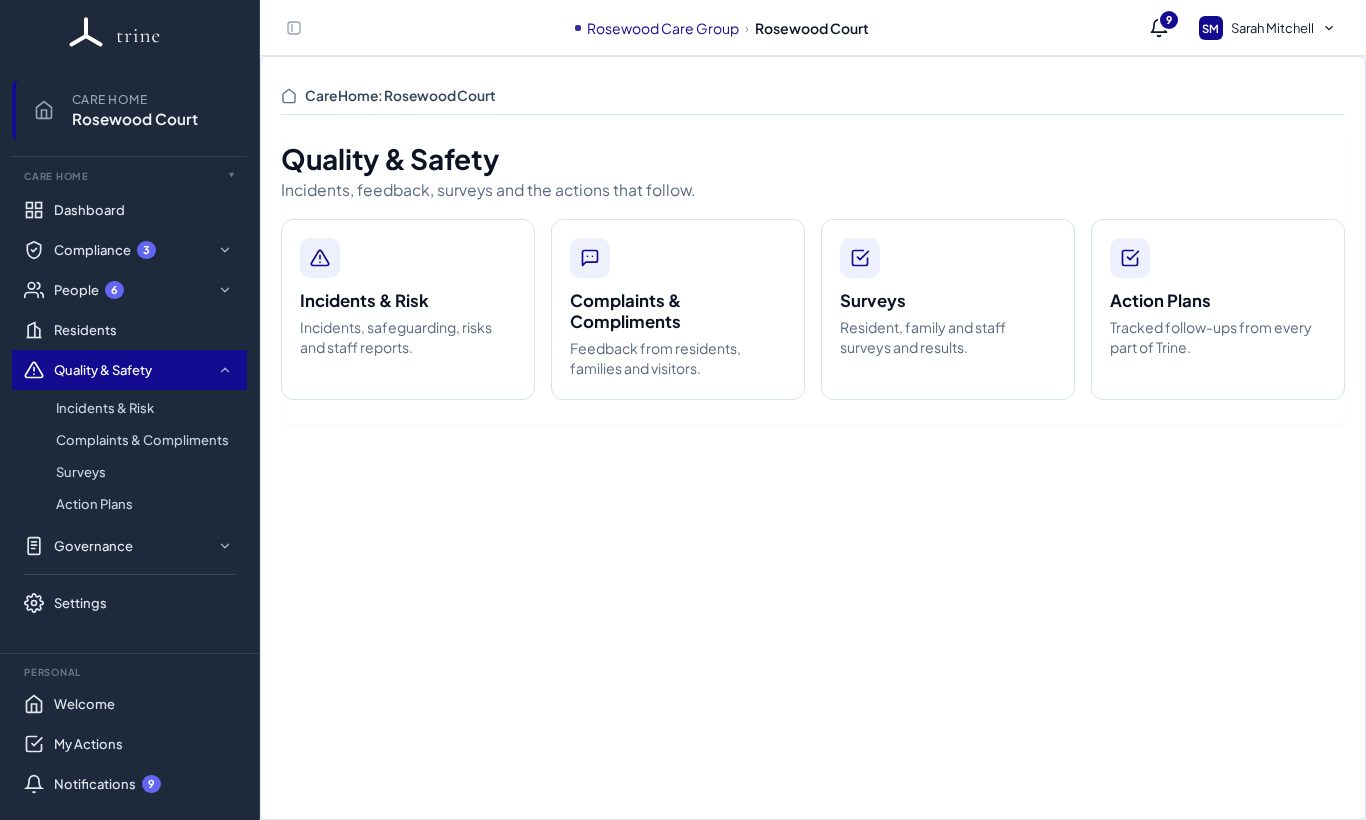
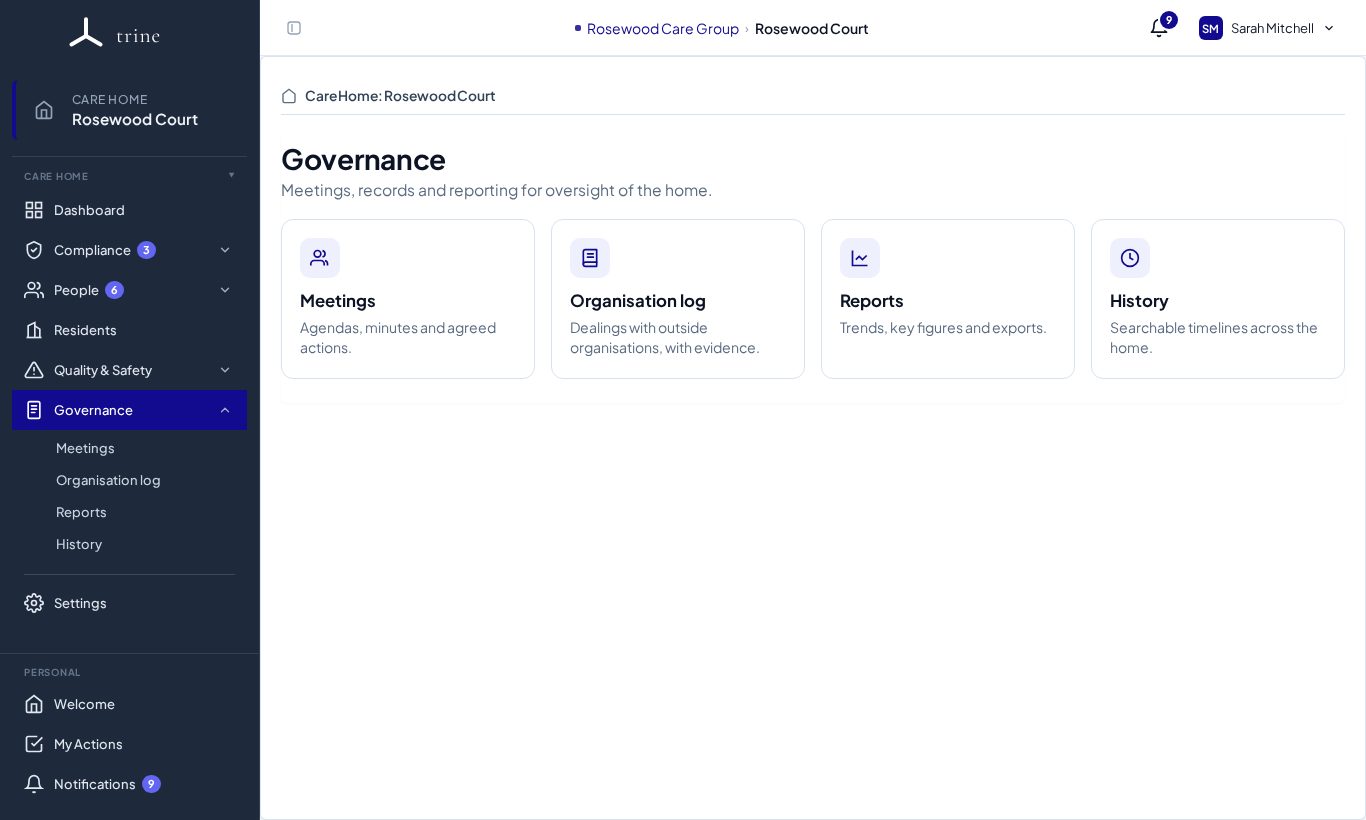
- At the same time the group's hub page opens. It shows one card per page, each with an icon, its name, a one-line description and a count badge where something needs attention.
- Click a card — or a page in the menu — to open it.
Badges
- A page's badge counts the things waiting for you there (for example training to review).
- A group's badge is the total of its pages' badges, so you can see at a glance where work is waiting even when the group is closed. It turns red when any page inside it has something urgent.
- A group with no pages you can access is hidden.
Back button and breadcrumb
Every page inside a group shows:
- a ‹ Group back button (for example ‹ Governance) that returns you to the group's hub page, and
- a breadcrumb such as Governance › Organisation log above the title. When you open something within a page — for example a single Organisation log entry — the breadcrumb adds it: Governance › Organisation log › New entry.
The group holding the page you're on always stays expanded in the menu, so you can see where you are.
Collapsed menu and phones
- Use the panel button at the top left to collapse the menu to a narrow rail of icons. The group containing your page stays highlighted.
- On a phone, open the menu from the top bar. It slides out with the same groups and closes when you choose a page.
Good to know
- Every page keeps the address it always had, so bookmarks and links in emails still work. The hub pages have their own addresses too, for example /care-home/hub/people.
- Settings is unchanged: it stays a direct link below the divider.
Related: Find your way around Trine · Menu access and delegated permissions